 RemotusTV
Glassmorphism UI
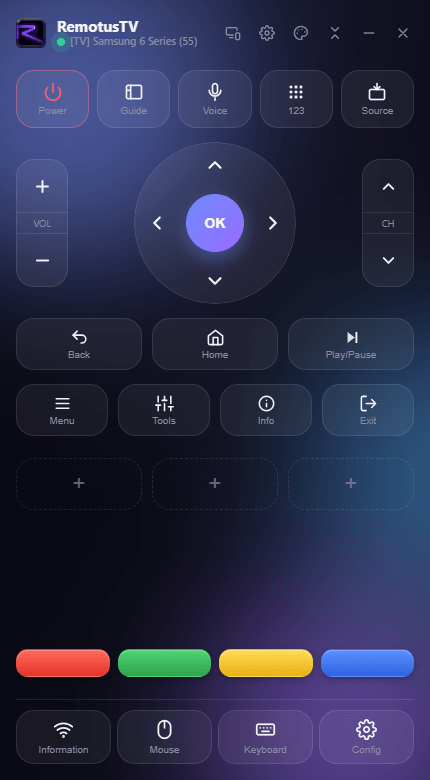
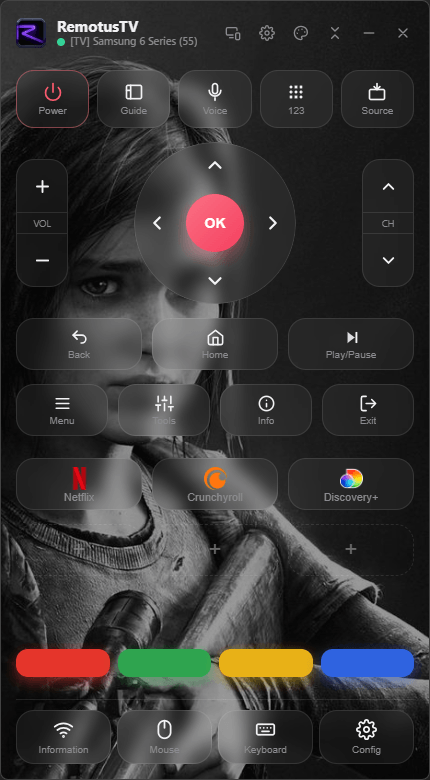
A modern interface with smooth animations, blur and depth. It feels alive.
The modern way to control your Smart TV: beautiful, effortless, and customizable down to every button.
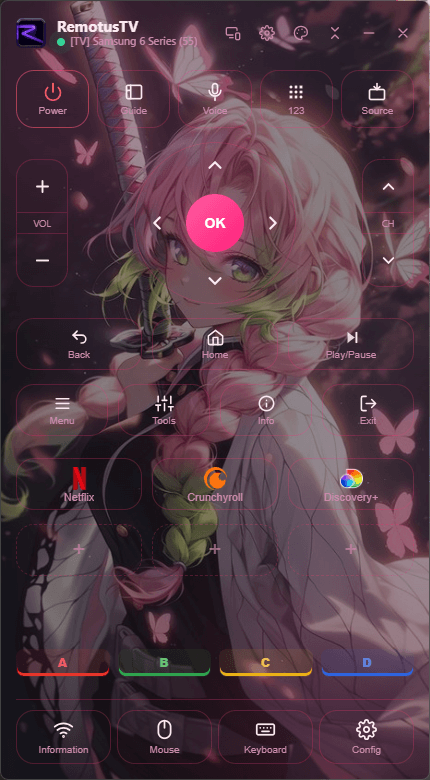
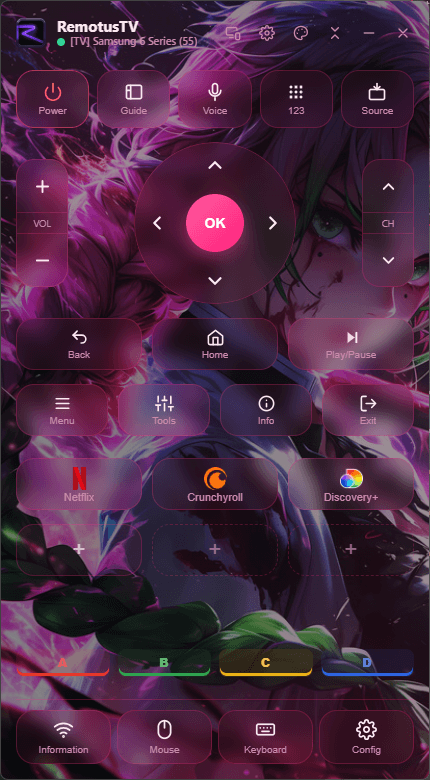
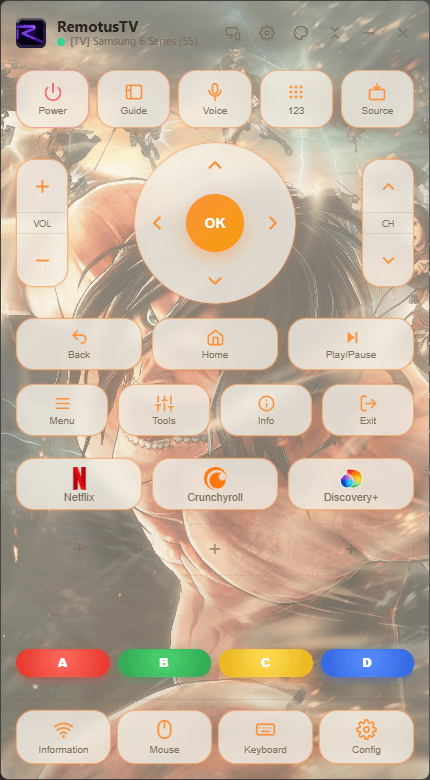
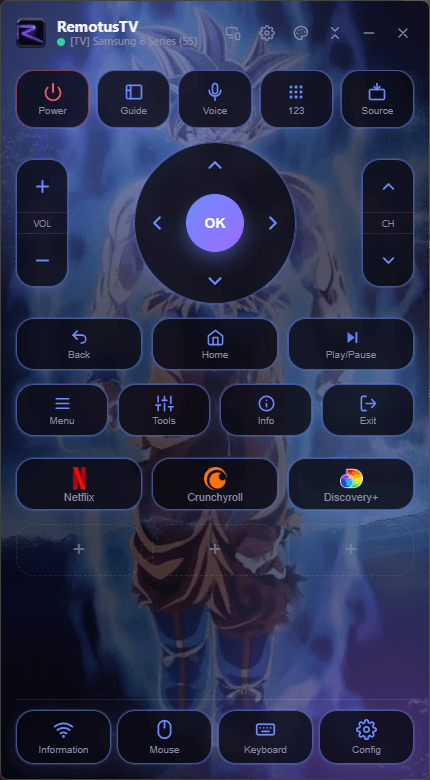
Personalize it your way
Everything you expect from a remote, reimagined for you. Click any screen to zoom.
A modern interface with smooth animations, blur and depth. It feels alive.
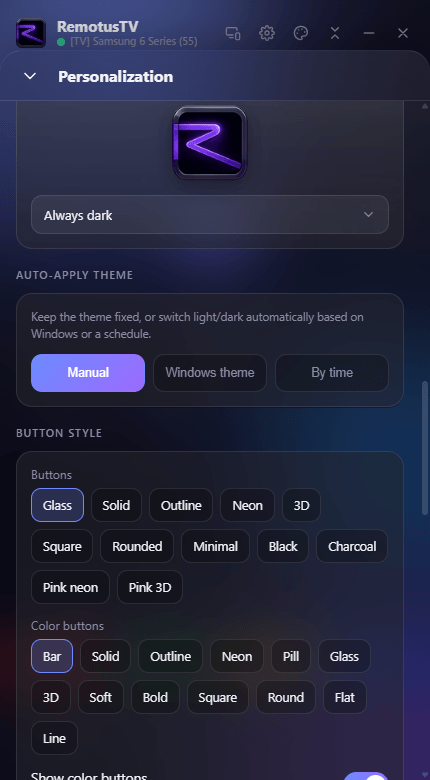
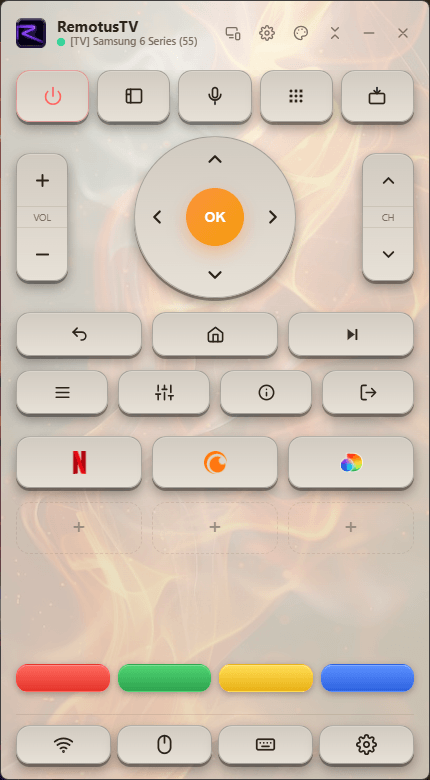
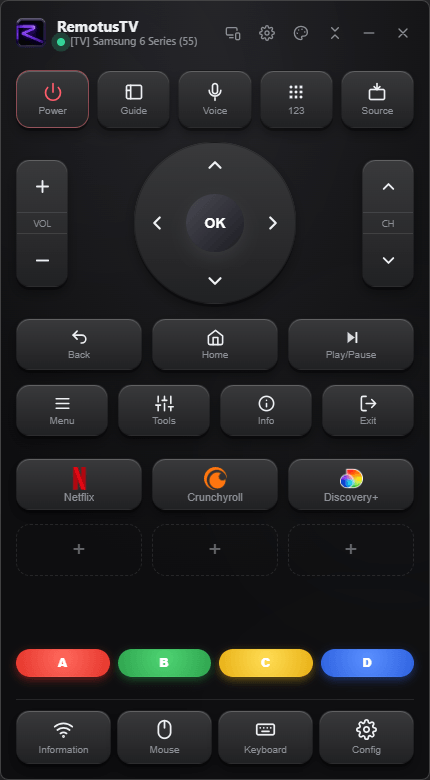
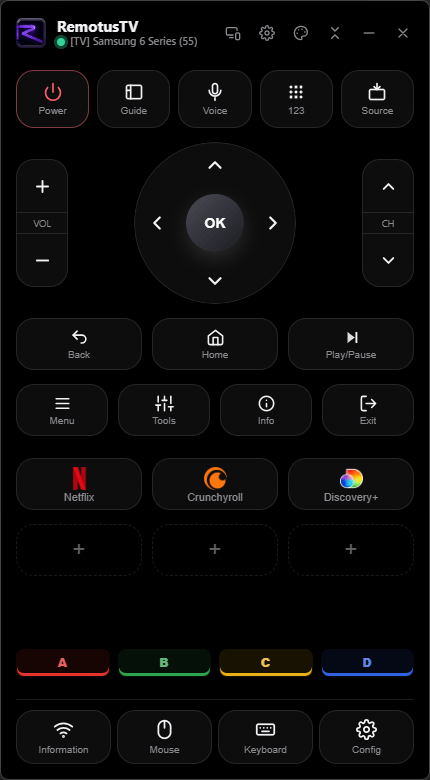
Light, dark, AMOLED, Ocean, Neon and more. Pick an accent, or craft your own theme.
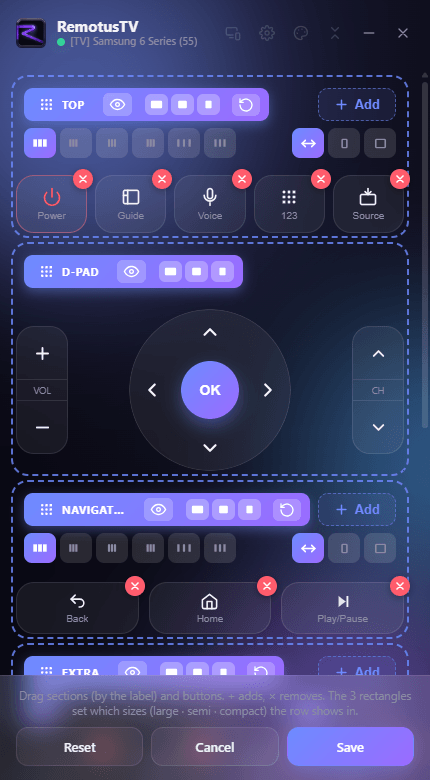
Drag to rearrange, add custom buttons and shortcuts, save your own layouts.
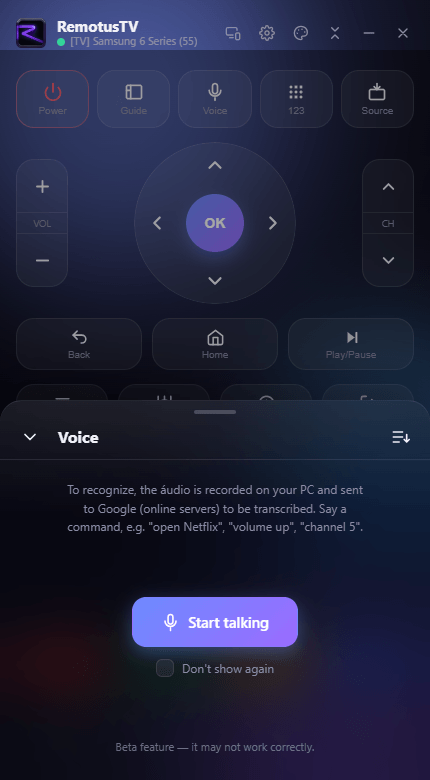
Open apps and control your TV by speaking.
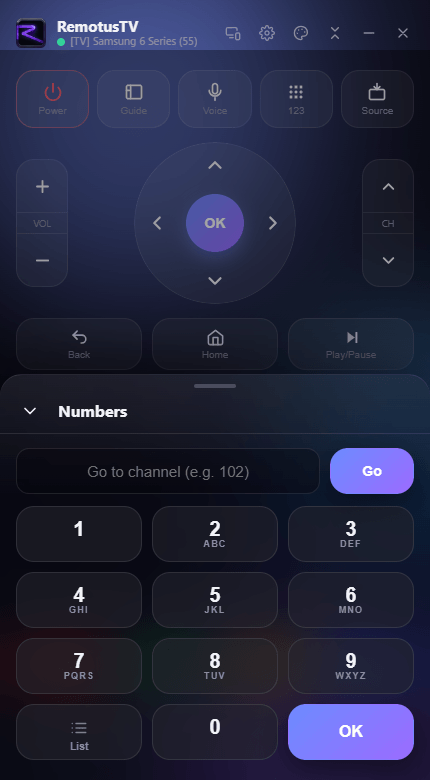
Jump to any channel.
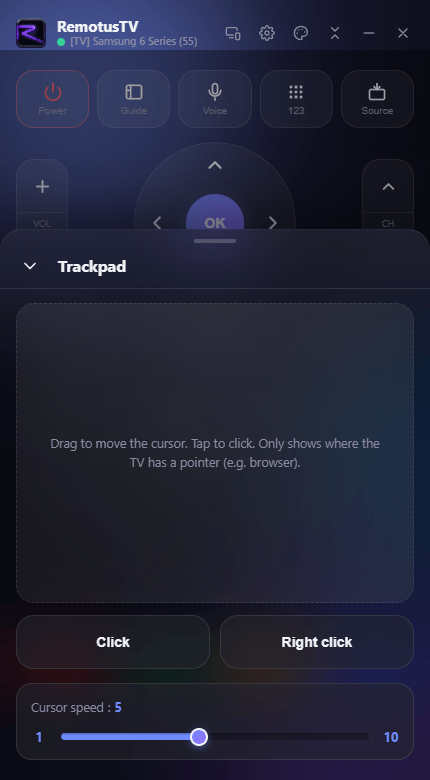
Type, point and jump to any channel.
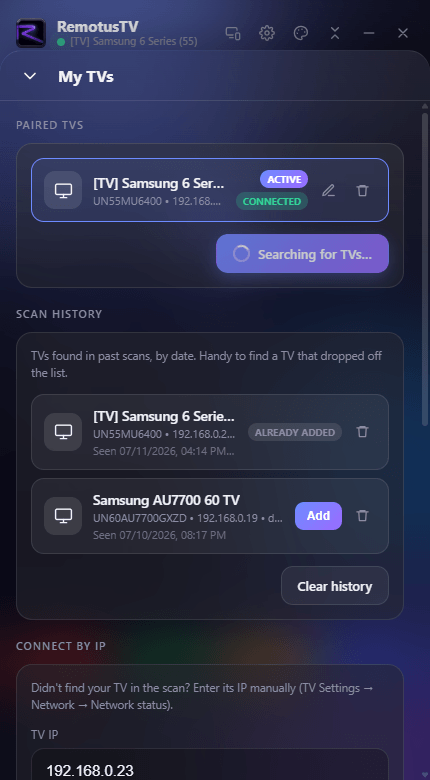
Find, pair and switch between your TVs in a couple of taps.
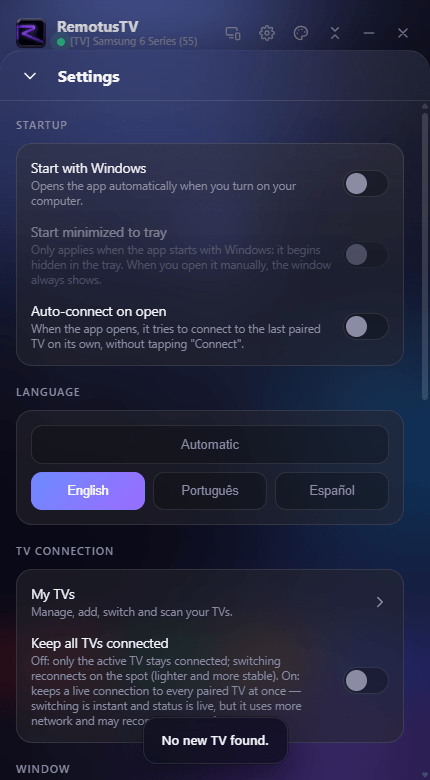
English, Portuguese and Spanish, following your system language automatically.
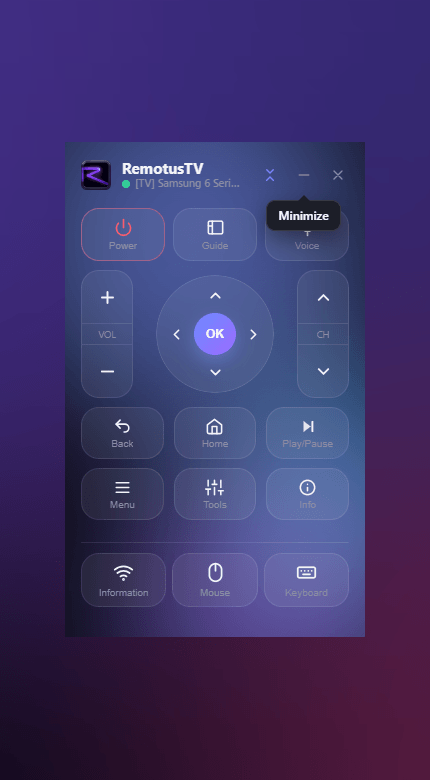
Full-size when you want every button, or shrink it to a slim, minimal remote that stays out of the way.
The full remote.
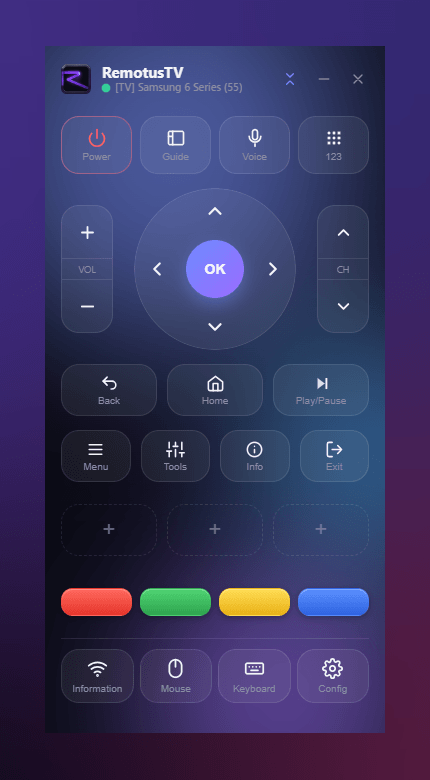
A touch smaller.
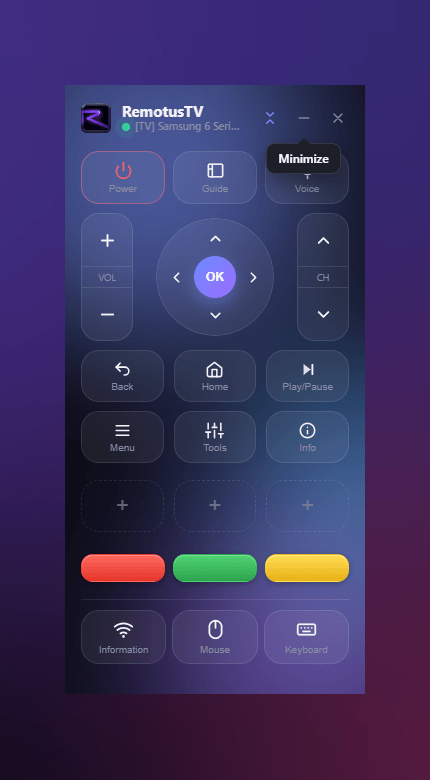
Space-saving.
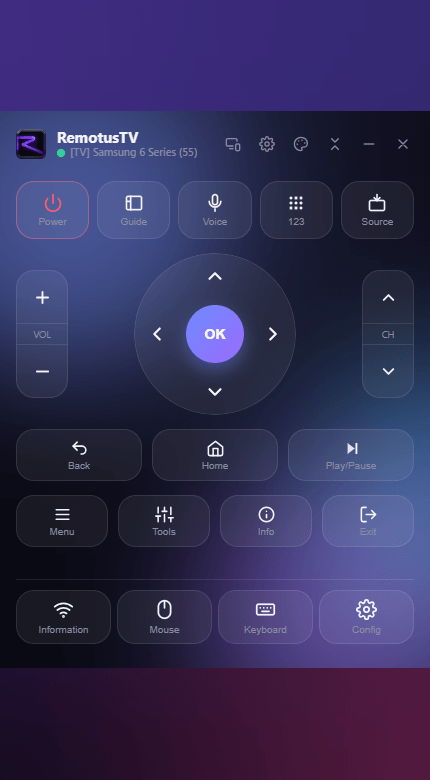
Only what you use.
The tiniest remote.
RemotusTV Pro on Windows, Android, or one licence for both. Prices in your local currency.
Buy Pro inside the app, on the Microsoft Store.
The basics to get you going.
Unlock the full Pro toolkit.
Save more, billed yearly.
One payment, yours forever.
The definitive option: the Pro version with no expiry date.
One-time payment. All future updates included.
Buy on the Microsoft StoreUse it on Windows and Android? See the cross-platform licence
Download RemotusTV free and take it further with Pro.
Store prices may vary by country; the price you pay is the one shown at checkout. The cross-platform licence is sold only here on the site.
It works with compatible Samsung Smart TVs on your local network. RemotusTV is an independent product and is not affiliated with Samsung.
Free gives you the everyday remote — power, D-pad, volume, channels, number pad and Wake-on-LAN — with one paired TV and the light and dark themes. Pro unlocks unlimited paired TVs, all themes with custom colors and button skins, custom layouts and shortcuts, mouse and keyboard control, voice commands, backup/export & import, compact window sizes and startup options.
Only on Android, and only in the free version. The free Android app shows ads through Google AdMob; going Pro removes them. The Windows app has no ads at all. See our Privacy Policy for how ad data is handled.
Yes. On the free Android app you can watch a short ad to unlock a Pro feature (like mouse, keyboard, Wake-on-LAN or custom appearance) for a while, and you earn bigger rewards the more you use the app. Go Pro to keep every feature always on, with no ads.
Monthly and annual are subscriptions (annual saves about 33% and is billed once a year); Lifetime is a single payment that includes future Pro updates. All three unlock exactly the same Pro features.
It's the same app and the same Pro features; only how you buy and manage Pro differs. In your app store (the Microsoft Store on Windows, Google Play on Android), Pro is an in-app purchase tied to your store account: there's no key to enter, and you manage or cancel it in the store. On this site, you buy Pro on a secure checkout, get a license key by email, activate it in the app, and manage everything in your account here; a key bought here can cover both Windows and Android. Either way the app itself is always a free download from its store, so pick whichever way is easier for you.
A license key only applies to purchases made here on the site — after checkout it's emailed to you, and if you lose it you can open the Recover page, enter the same email, and we'll resend your RemotusTV keys. Bought Pro on the Microsoft Store or Google Play instead? There's no key to recover: Pro is tied to your store account and activates automatically.
You can use Pro offline in your day-to-day — normal use needs no connection. Just get online at least once about every 15 days so the app can revalidate your Pro automatically in the background. Only the initial activation and recovering your key always need a connection.
A lot. Beyond light and dark mode (free), Pro lets you make the remote truly yours: your own background image, custom button and text colors, button skins, custom layouts and shortcuts, and compact window sizes. You can also schedule the look to change by time of day, back everything up, and share your setup with someone else.
No account, no sign-up. Your pairings, themes and settings are stored in local files on your device, and the app keeps automatic local backups — you can also export and import them as files. Nothing syncs to a server.
Voice is optional and off by default. When you use it, the audio is sent to Google's speech service to be transcribed — and only then. If you don't use it, no audio is ever sent.
Windows 10 and 11, and Android 7.0 (Nougat) or newer. RemotusTV is a lightweight native app: on Windows it's a free download from the Microsoft Store, on Android from Google Play. Pro can be bought in either store or on this site.
We're one email away — happy to help.